Issue 01
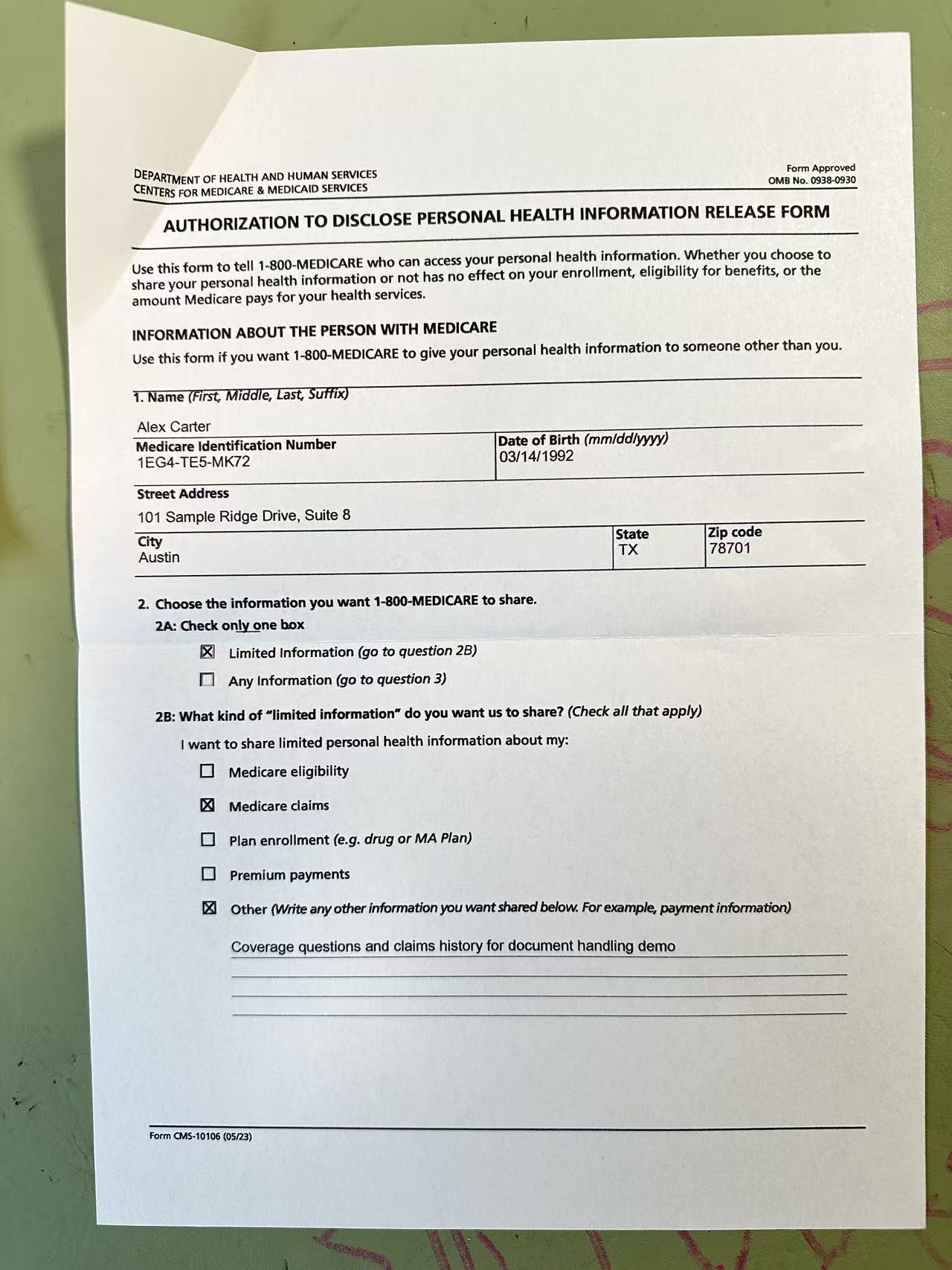
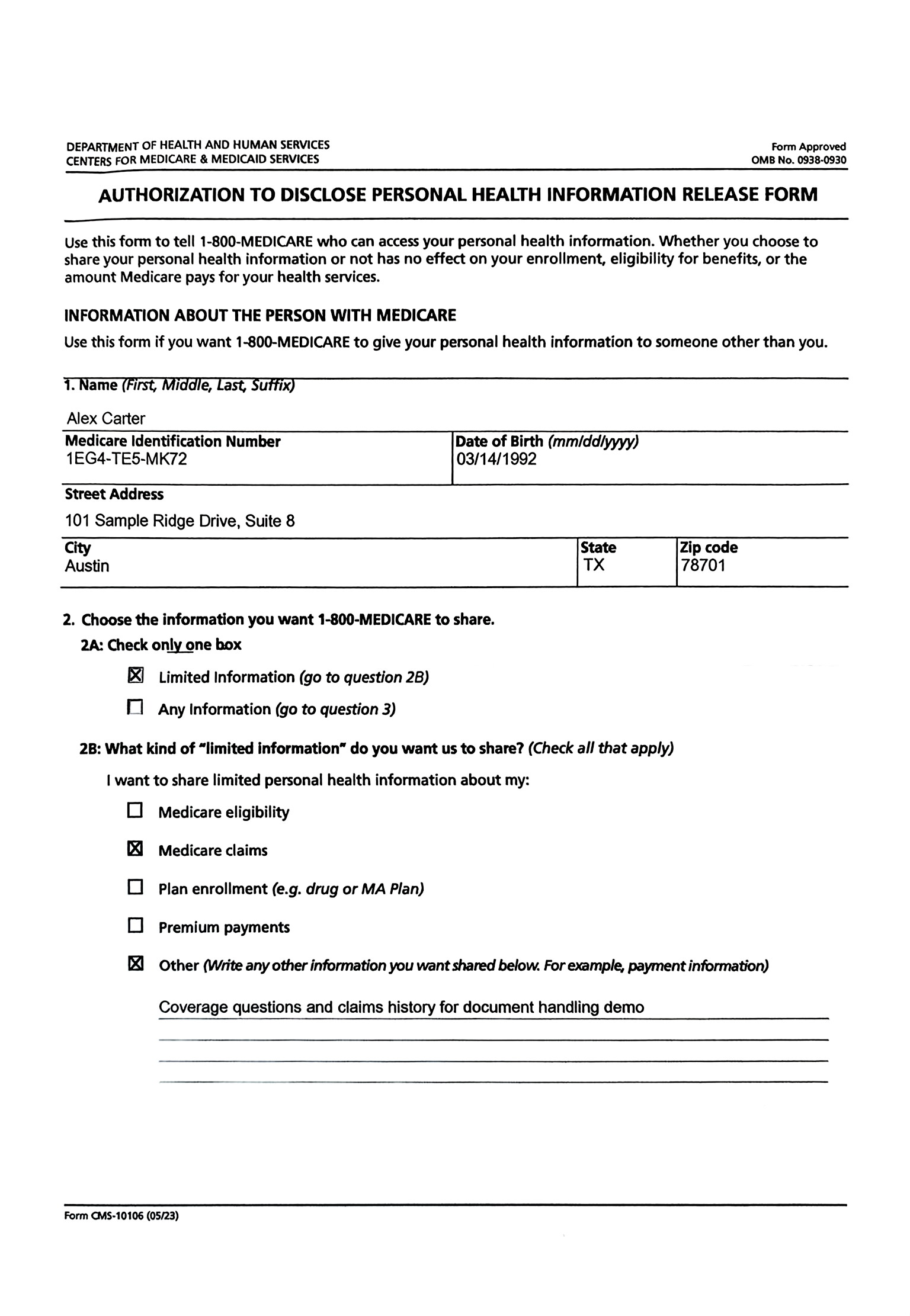
Shadows on the page
Dark capture areas stop overpowering the title block and upper fields.
Fields read more clearly.Visa files, residence permits, admin paperwork: clean, glare-free scans, ready to submit.
PhotoToScan runs in your browser at app.phototoscan.com. Sign in with Google, upload one photo, review the clean scan, then download JPG or PDF.
PhotoToScan uses Google Sign-In to create your account. Your first 2 scans are free, and your remaining scan balance stays tied to that account.
Use the JPG, PNG, WebP, TIFF, BMP, or GIF photo you already took. No scanner and no app install.
Compare the clean scan against your original side by side, then download it in the format your form requires.
PhotoToScan uses Google Sign-In for accounts. We receive your name, email address, and profile picture from your Google account, and we use them only to create your account, show who is signed in, and keep track of your remaining scans and purchases. We do not access your Google Drive, Gmail, Contacts, Calendar, or any other Google data.
Most failed document photos come from the same issues: shadows, glare, folds, skew, or weak contrast.
Dark capture areas stop overpowering the title block and upper fields.
Fields read more clearly.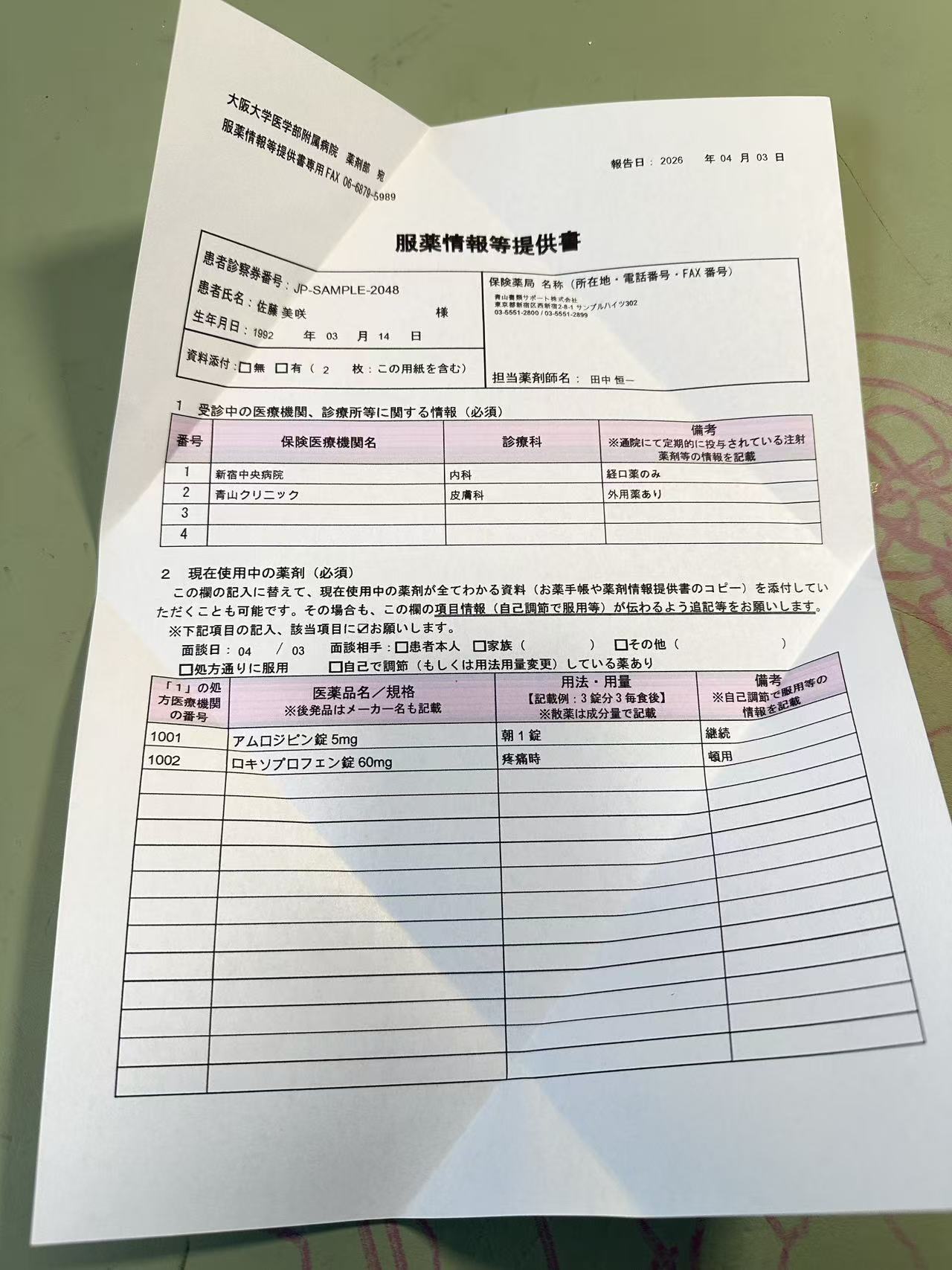
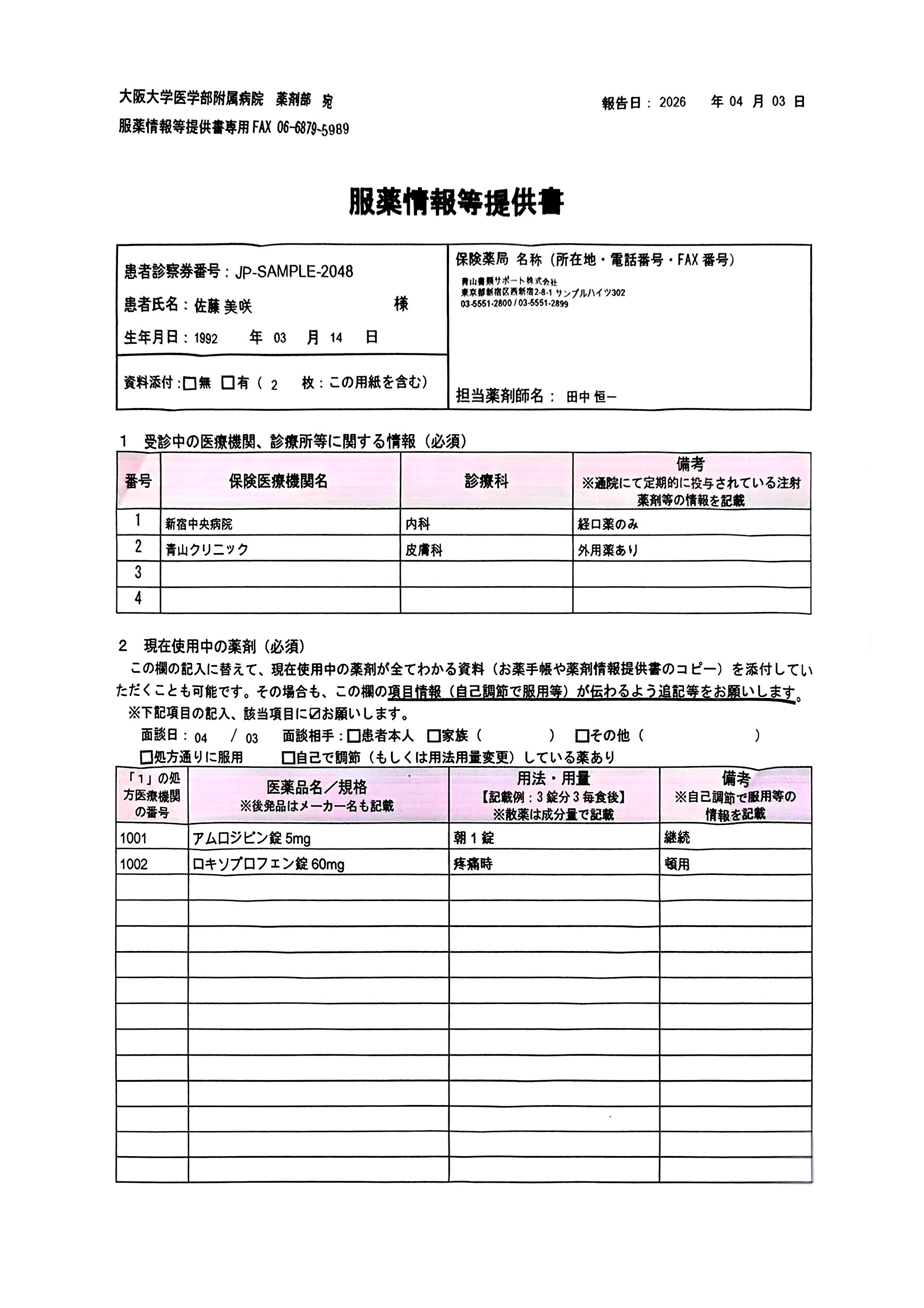
Reflections stop washing out the rows that matter most.
Key lines hold together better.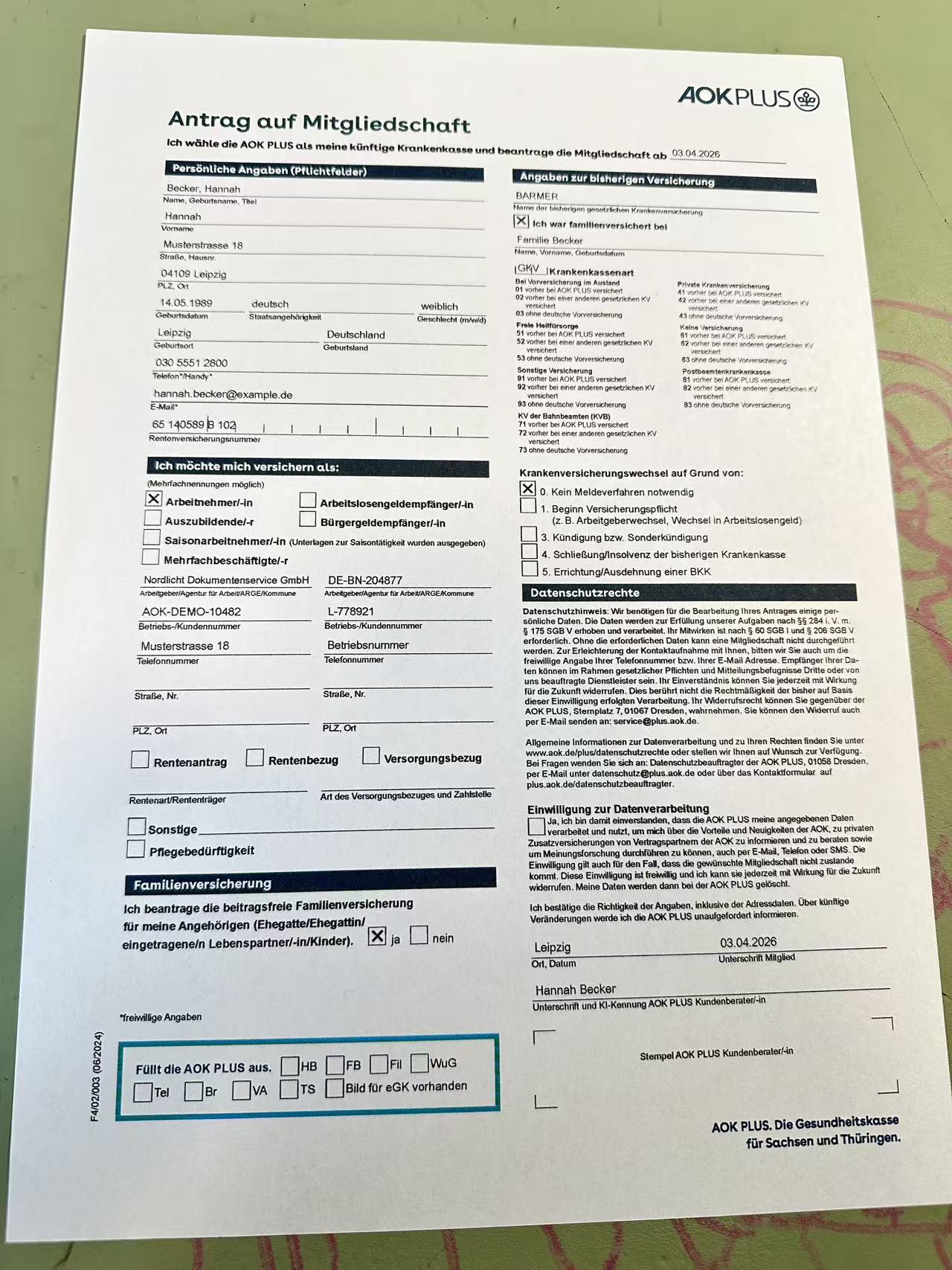
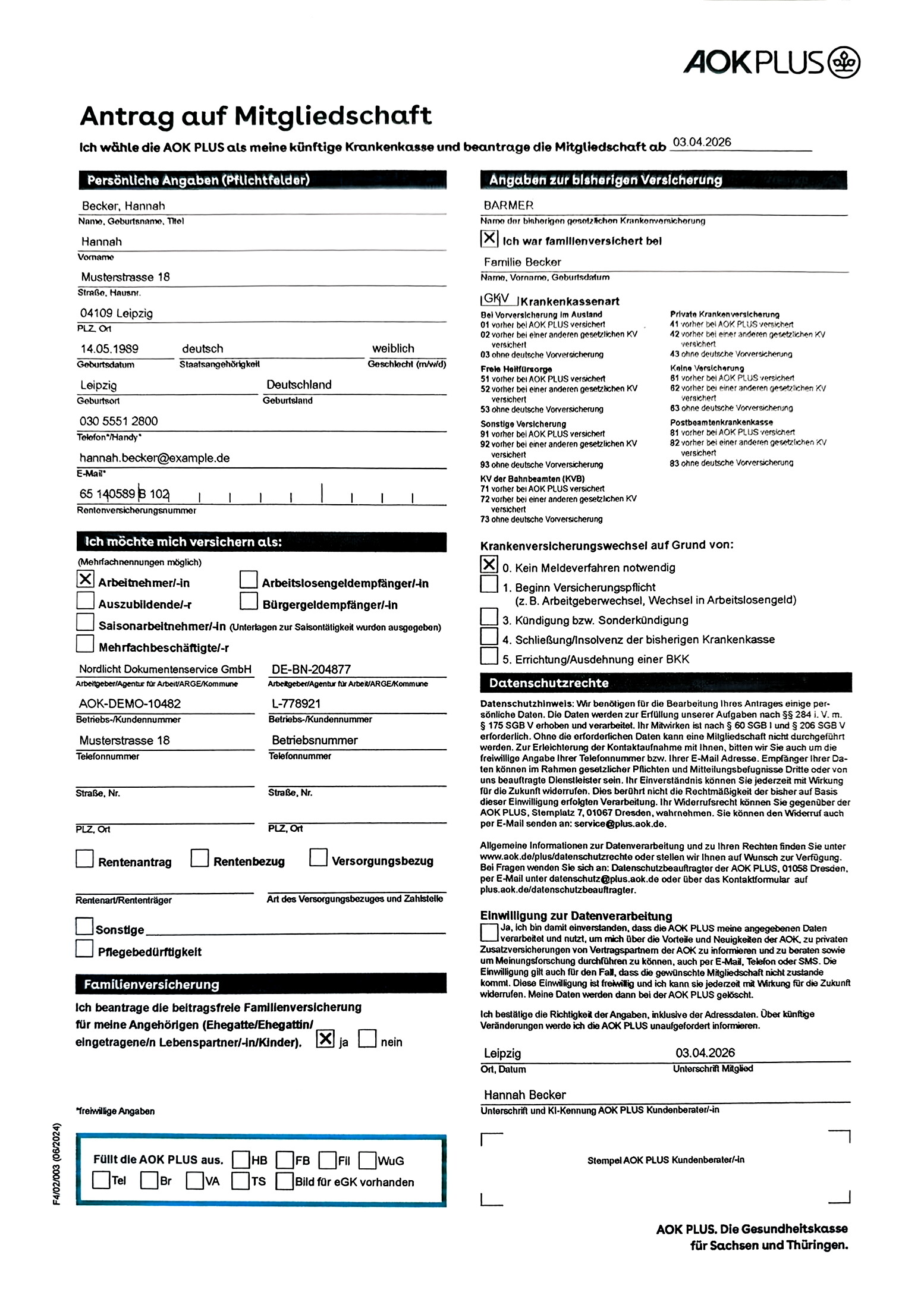
Warped form columns come back flatter and easier to follow.
The page looks flatter.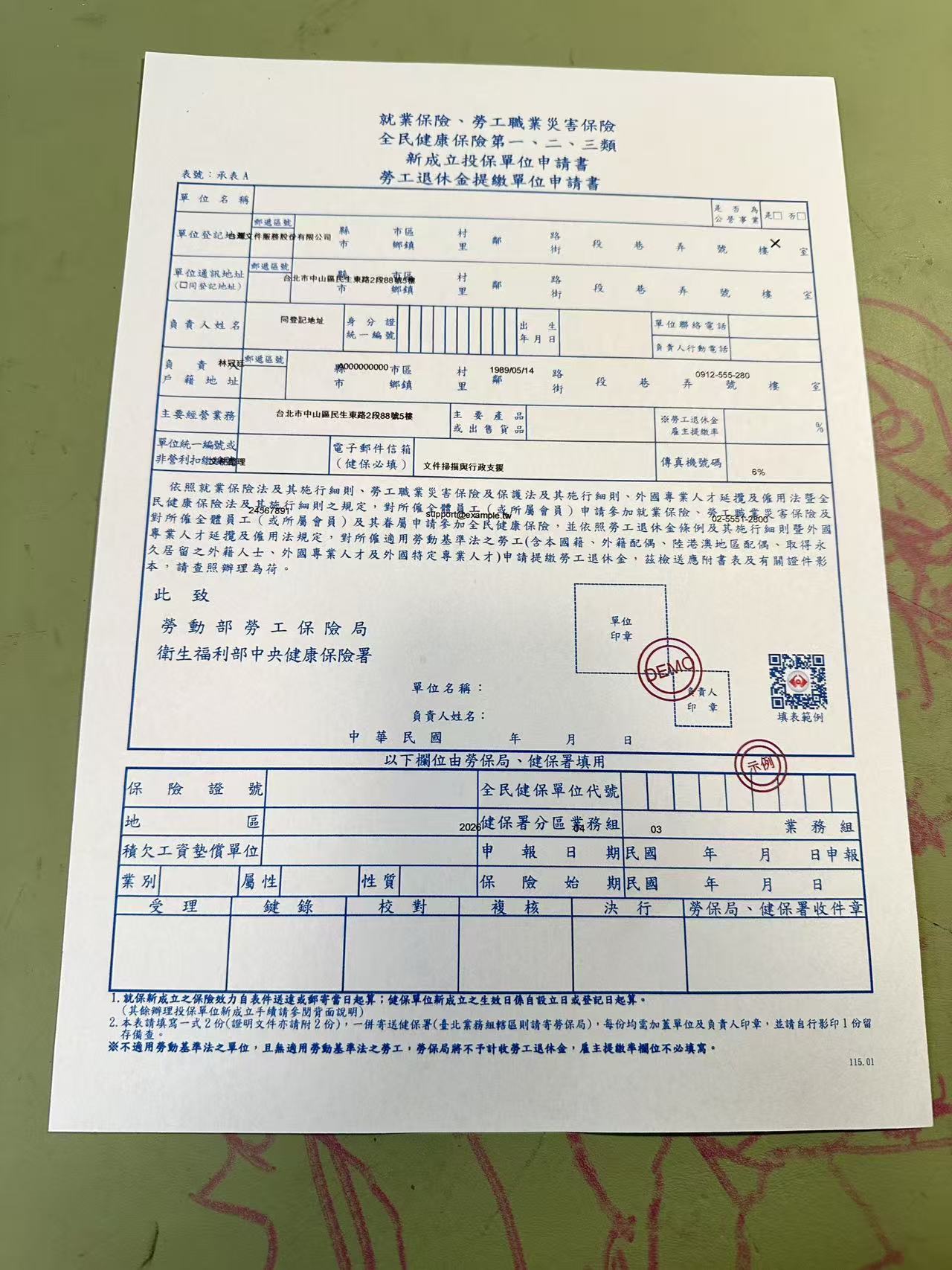
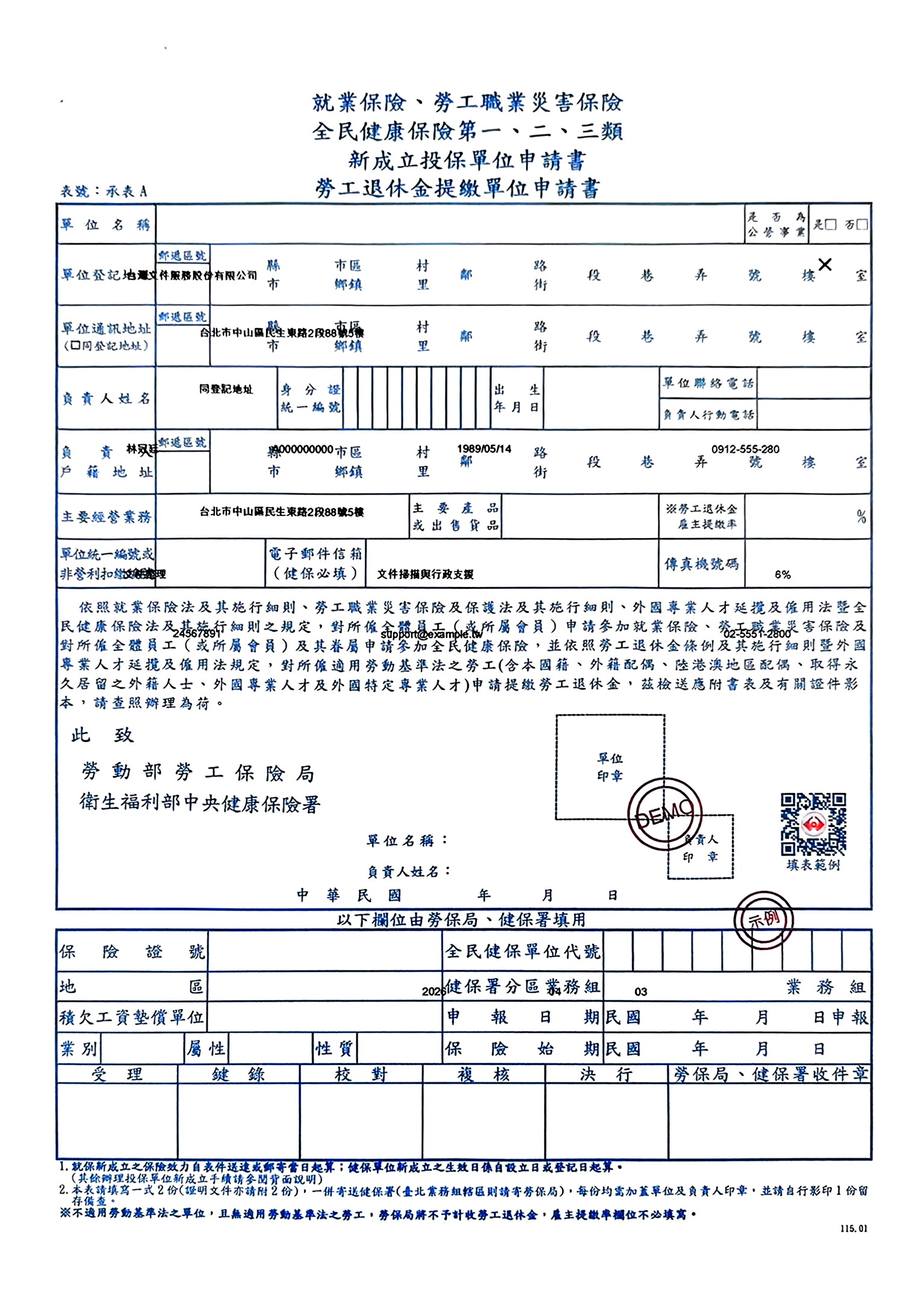
The outer page shape and inner grid read more like a scan.
Structure looks straighter.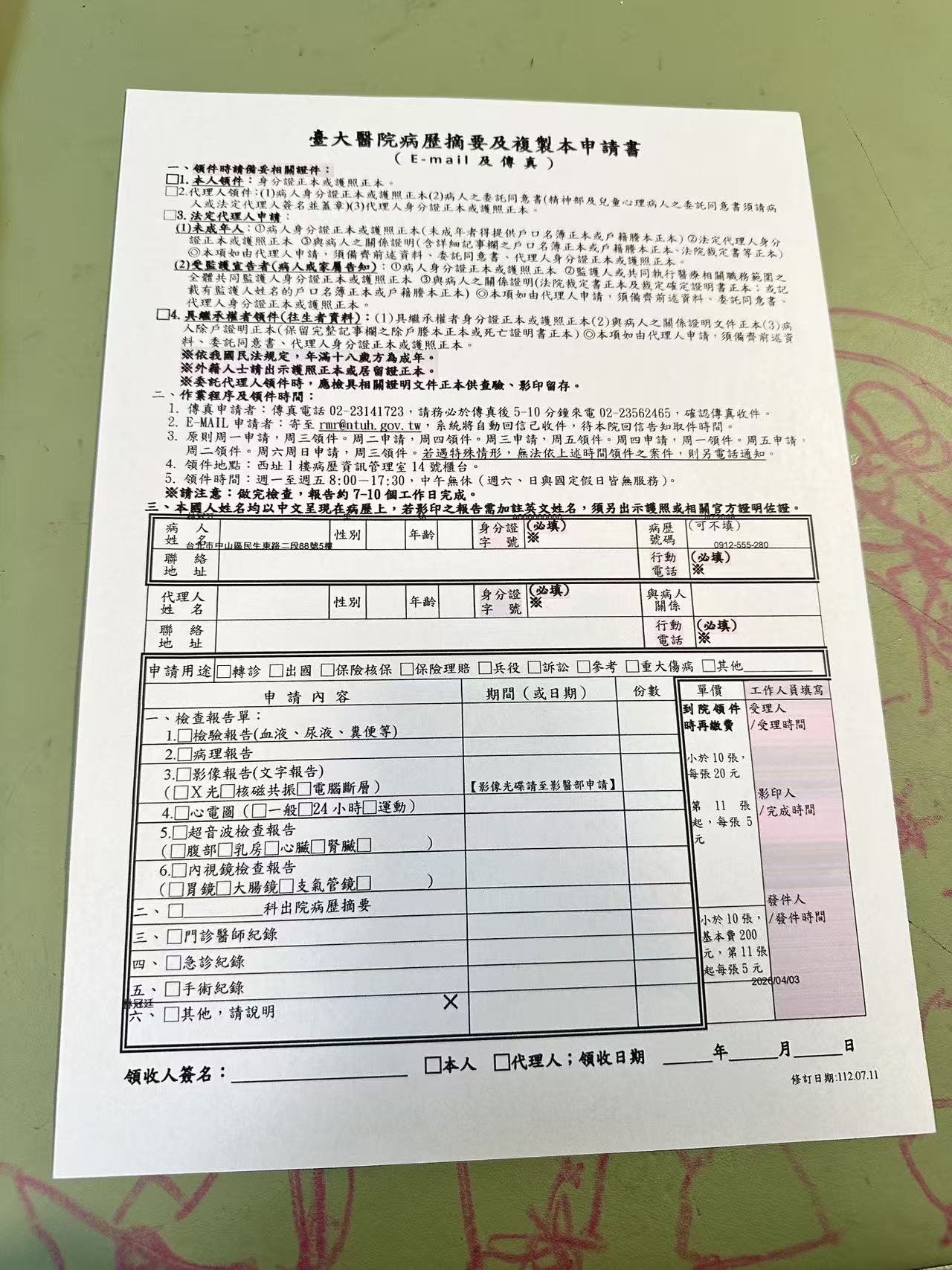
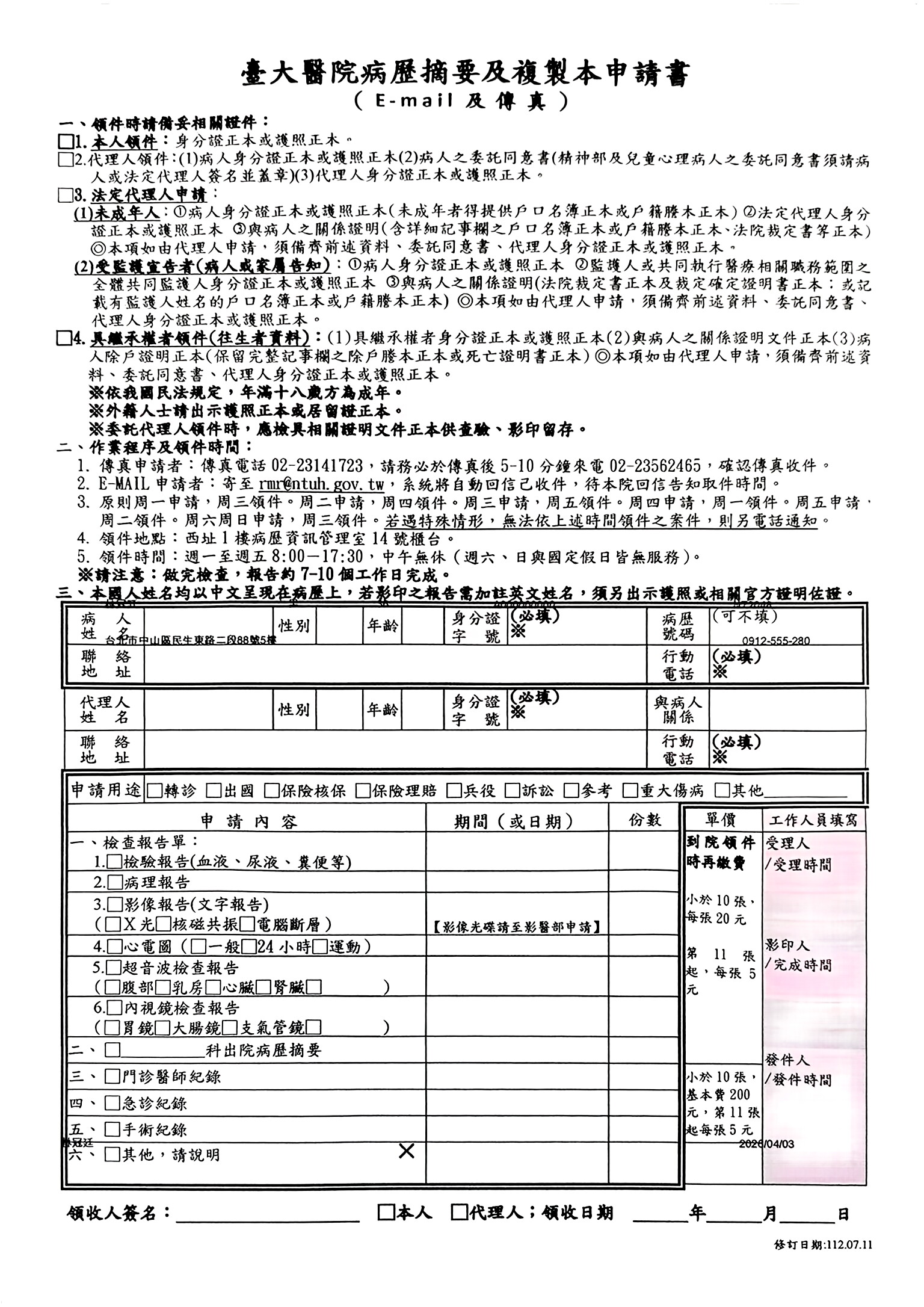
Weak phone captures come back with stronger text and field separation.
The page feels closer to a real scan.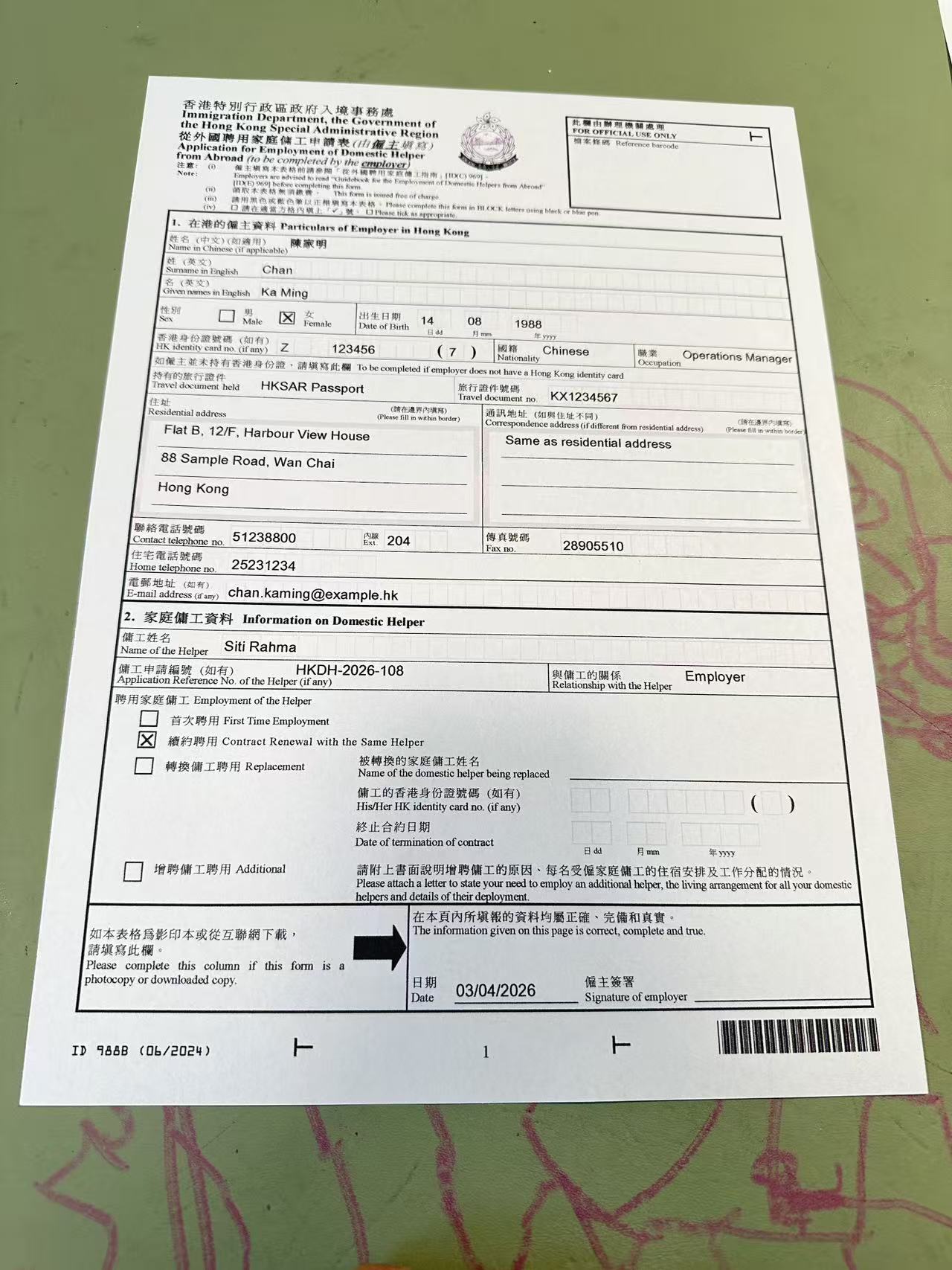
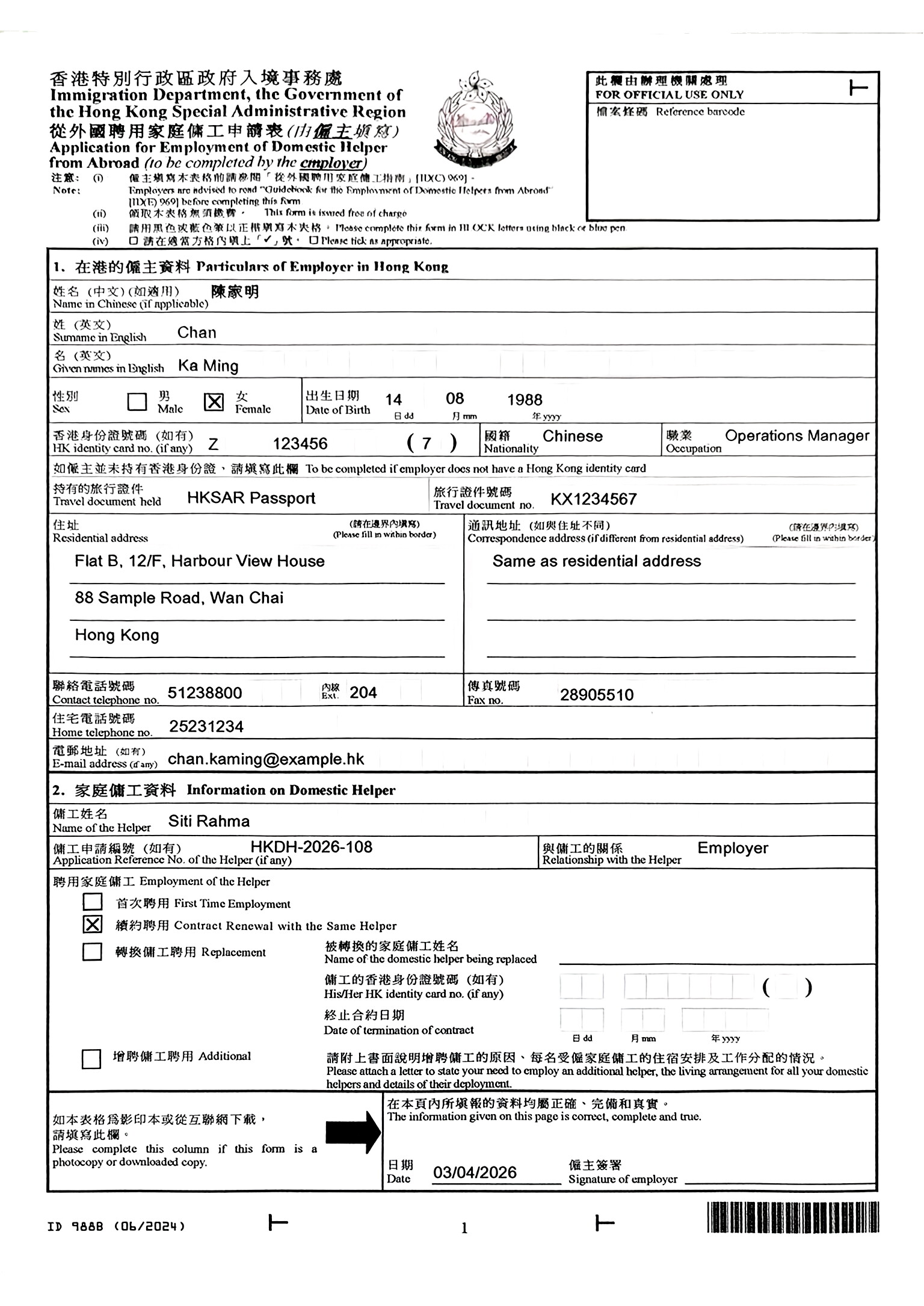
Busy form areas keep their boxes, labels, and writing zones more clearly.
Dense form areas hold together better.Best for paperwork that needs cleaner structure, clearer fields, and a more scan-like result.
Tax returns, authorization forms, and financial paperwork look cleaner.
Patient details, request boxes, and signatures stay clearer.
Official forms and record requests stay flatter and straighter.
Landlord confirmations, employment contracts, and tenancy paperwork stay clearer.
Turn compressed document photos received via WhatsApp, Telegram, or KakaoTalk into clean, sharp scans.
National IDs, passports, and driver's licenses photographed at home become submission-ready scans.
Start free, then buy a one-time pack when you need more clean scans.
2 scans
One-time welcome pack
Use the full free allowance first and preview the clean scan before paying.
10 scans
Just a few pages
Unlock the scan you just ran, plus a handful more for the next urgent task.
30 scans
Pay once
One pack lasts most users half a year — way cheaper than a CamScanner subscription.
100 scans
Higher volume
Built for heavier document cleanup when you process paperwork in larger batches.
Quick answers on uploads, cleanup, downloads, and the paperwork we handle best.
Yes. PhotoToScan turns the document photo you already have into a cleaner scan that is easier to send.
Upload the photo and PhotoToScan returns a cleaner scan with reduced shadows, glare, and skew.
Yes. It is built for folded, wrinkled, and crease-heavy paperwork photos.
Yes. It works well for medical forms, legal paperwork, insurance forms, signed pages, and licenses.
Yes. It helps iPhone document photos look flatter, cleaner, and more scan-like.
Yes. You can download the cleaned result as JPG or PDF.
Upload the photo you already have, preview the clean result, and download it right away.
Upload a Document Photo