What changes first
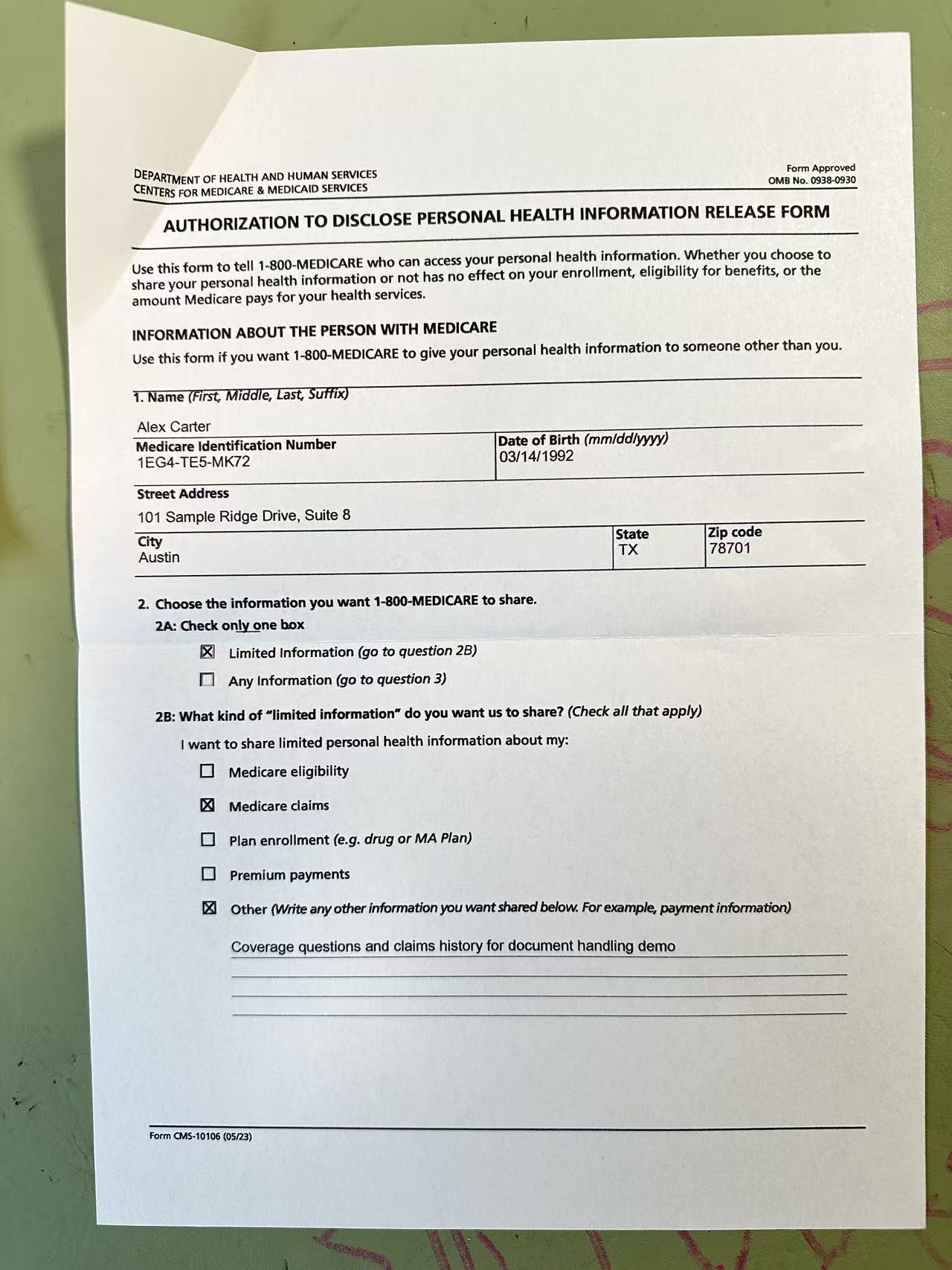
Most document photos fail in the same way: the content is technically there, but the page still carries the visual noise of the room where it was captured. Uneven lighting, soft contrast, visible desk background, and slight camera angle all make the file feel less trustworthy than a true scan.
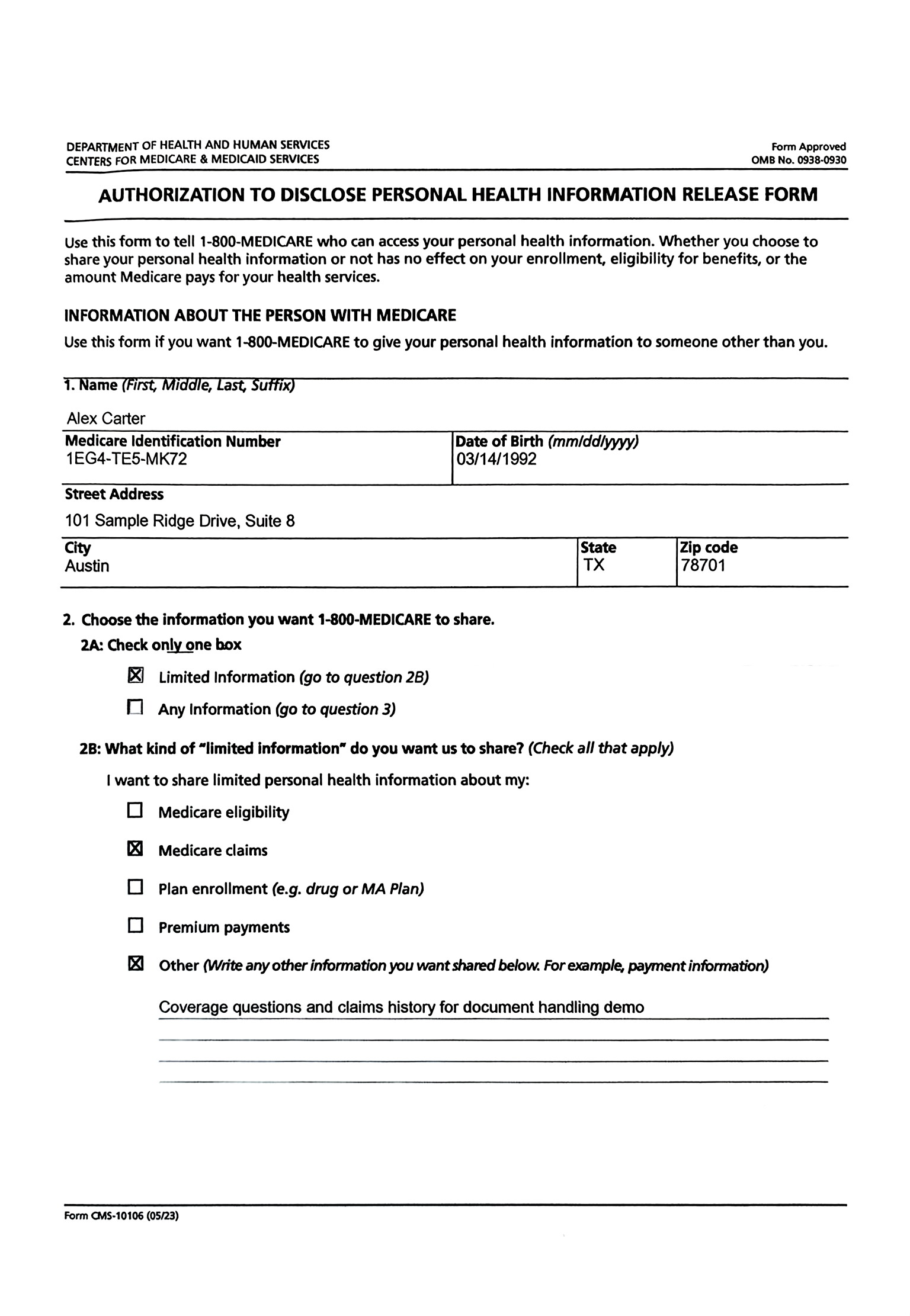
PhotoToScan is optimized for that gap. The first gains usually come from overall page tone, edge definition, and geometry. That is why the output often feels cleaner immediately, even before you start comparing smaller field details.
What actually gets improved
In practice, the service is working on presentation quality rather than rewriting content. The most noticeable improvements usually show up in the following areas:
- Page tone and contrast, so dark captures and weak lighting feel less distracting
- Perspective and alignment, so angled phone shots look flatter and more controlled
- Visual clutter around the paper, so the document stands apart from the desk or background
- Overall scan feel, so forms, fields, and typed areas look cleaner and easier to review
What the service does not change
PhotoToScan is not reconstructing missing information or transforming one page into another. It improves the presentation of the source image you provide.
- The document content, layout, and field structure remain based on the original photo
- Signatures, stamps, checkboxes, and handwritten areas stay in the same page context
- If text is blocked, missing, or unreadable in the source image, the service cannot reconstruct it
- The output is meant to be cleaner, not to become a different document
If the original photo is unreadable, no cleanup workflow can recover information that was never properly captured.
Best fit for this workflow
This is strongest when the page is already readable, but still feels too messy for a confident handoff.
- Medical forms, tax forms, insurance paperwork, and signed administrative documents
- Pages with folds, wrinkles, desk shadows, glare, or uneven room lighting
- Phone photos that are readable but still feel too messy to submit confidently
- People who want a clean JPG or PDF without using a physical scanner
What the normal flow looks like
The intended path is simple: upload one document photo, preview the cleaned result, then download a JPG or PDF if the output is good enough for your next step.
- Many messy document photos can be improved, but not every damaged page can be fully restored
- The service improves appearance and readability, not legal validity, medical review, or formal certification
- Results depend on the quality of the original photo, especially when the page is heavily obstructed
- The main value is speed: use the photo you already have instead of starting over
See it on real documents
Before/after examples across different countries and form types.