Desk background and slight camera skew still shape the page more than a scan should.
U.S. example
Signed tax form cleanup example
This sample uses a signed US tax document photographed on a desk. The content is all there, but the image still reads like a phone capture: visible desk background, slight page skew, and softer contrast across the signature and form fields.
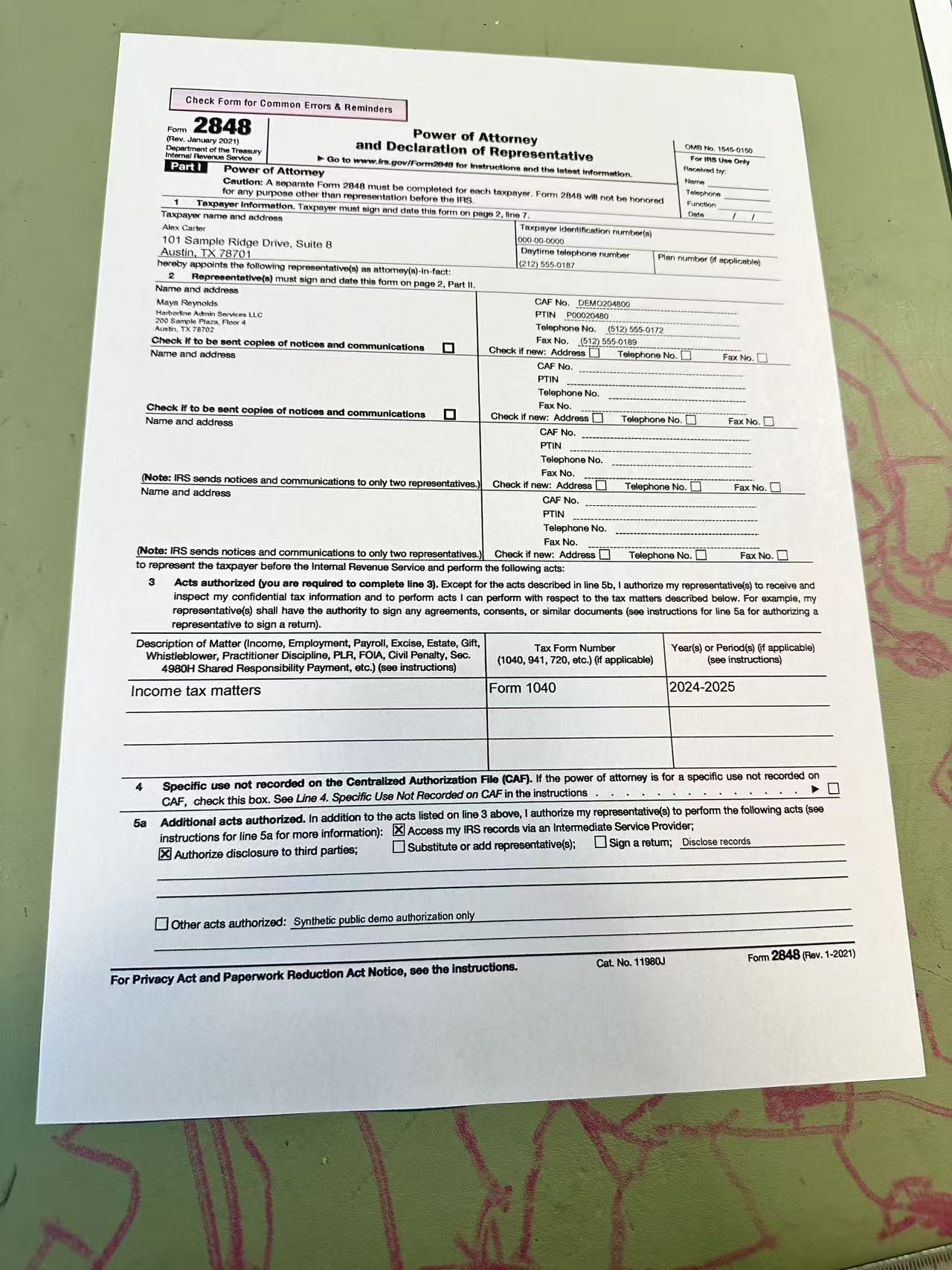
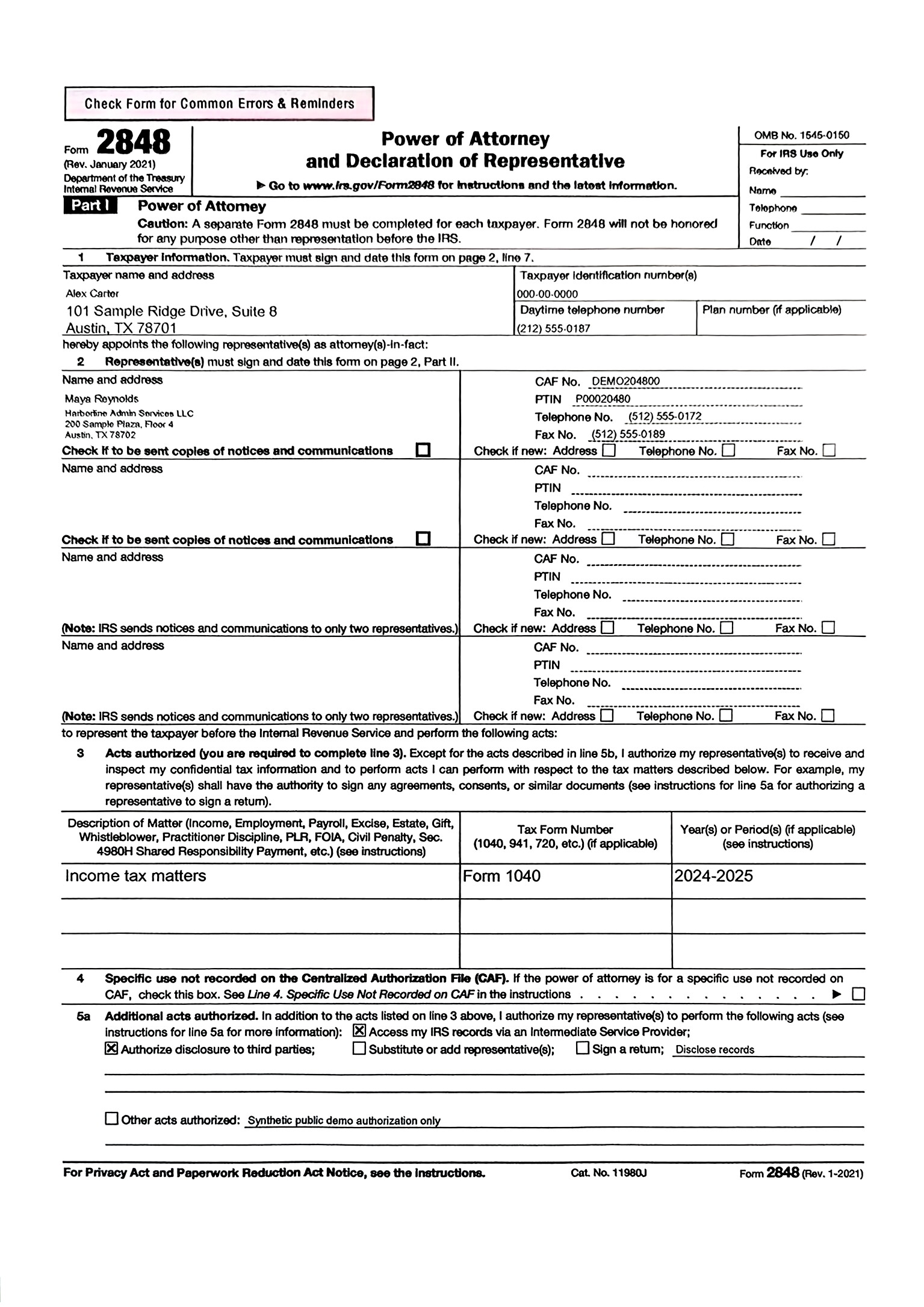
The page reads flatter, cleaner, and more like a scan, with clearer separation from the background surface.
Turn Your Document Photo Into a Clean Scan
Upload the photo you already have, preview the clean result, and download it right away.
Upload a Document PhotoPreview first. Download JPG or PDF.